Dagger Directive Controls
Rebind the loud keys before the first ridge.
Most early deaths in Dagger Directive are input deaths. The AI is not psychic. You sprinted, you forgot the pouch chord, or you never bound the laser rangefinder. This page is the control brief that Getting Started points at and that Stealth assumes you already fixed.
Version 1.0 shipped with full controller support and Steam Deck notes. The handheld brief is Steam Deck. Early Access also left a trail of bind bugs: mouse-wheel zoom, disconnected pads breaking the menu, and grey text for locks you cannot remap. If a bind feels haunted, hit the default button once, then rebuild. Several patches said that out loud.
Keyboard: walk is not optional
On keyboard you move at top speed unless you do something else. That something else is the stealth system. Hold walk (Shift on the default map), crouch, go prone, or move while aiming. Any of those four keeps your footsteps out of the cheap detection bucket. Jogging does not.
Treat Shift as a combat key, not a sprint key from another shooter. If you rebound Shift to pouches — later updates added Shift plus 1–6 as a second pouch chord — make sure walk still exists on a key you can hold for a full compound crawl.
Pouches, NVGs, and the number row
Equipment lives in pouches, not a modern radial that forgives panic. Defaults have used the upper number row and, after a bind update, Shift plus 1–6 as a duplicate. Open the menu, look at the grey rows, and write down:
- How you open pouches
- How you toggle NVGs
- How you swap to a drone controller
- How you detonate an explosive drone
- How you fire the laser rangefinder (often middle mouse under “sight activation”)
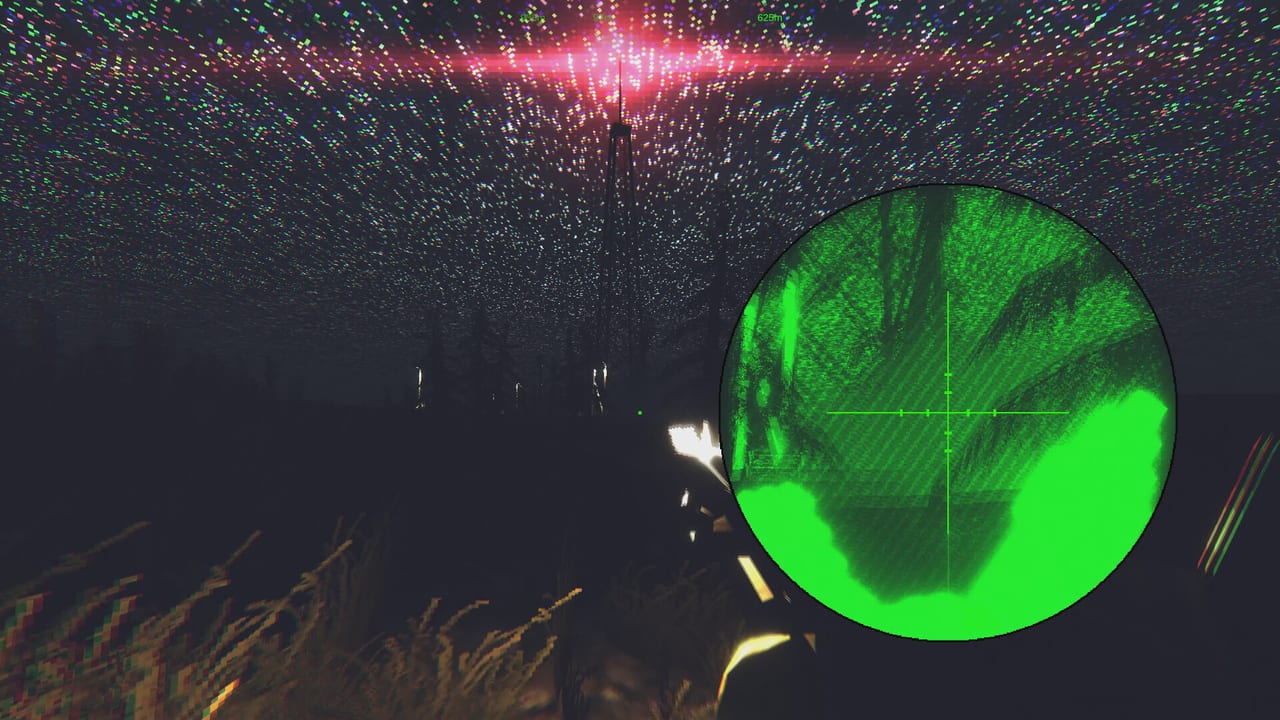
Night without a reachable NVG bind is how people “the game is too dark.” The game asked you to pack goggles. Gear explains why they are not cosmetic.
Scopes, plus/minus, and the LRF
Zeroing is plus and minus, the old Delta Force habit. It does nothing if you never lase. The rangefinder sets distance, droops the optic, and — on the OICW grenade mode — sets a time fuze to burst above the aim point. Offset then nudges that burst. Ballistics is the full physics page. Here you only need the bind: confirm middle mouse or whatever you remapped, and confirm zoom-in / zoom-out still work after a reset. A 0.9-era patch specifically called out broken default zoom-out.
Drones on a pad and a keyboard
Recon drones can place a marker and toggle a laser. Explosive drones detonate on a dedicated press, then you swap back. The drone menu gained on-screen instructions in Early Access; read them once. Altitude and range limits are rules, not suggestions — Drones lists 500 metres out and 200 metres up.
If you play on a controller, expect some actions to stay locked to mouse and keyboard. The UI greys those rows on purpose so a missing pad does not trap you in a dead map. Do not fight the grey. Bind the rest, and keep a keyboard nearby for the locks.
Controller and Steam Deck
1.0 advertised full controller support and Deck compatibility. That is not the same as “every hotkey exists on a DualSense.” After you plug in:
- Reset to default once.
- Rebind walk to a trigger or click you can hold.
- Put pouches on the d-pad or a chord you will remember under fire.
- Confirm zoom and LRF.
- Disconnect the pad in the menu once at home so you know the 0.9 crash is gone.
Modifier keys (Shift, Ctrl, Alt) can combine on keyboard after a mid-EA update. Use that for pouches instead of eating the number row you need for weapon slots.
A bind checklist before Shadow Strike
New 1.0 maps and the M32 will punish rusty hands. Before you host Co-op or open a Workshop mission, run this list on the ship:
- Walk and prone both work
- Pouches open without opening the console (console hotkeys were removed to stop that confusion)
- NVGs toggle in the dark
- LRF paints a number
- Drone marker and detonate are not the same key
- Save is instant and not hidden on a menu you cannot reach while shot
If a control “does nothing,” reset defaults before you file a mental bug. Then read Patch history — several notes were input-only. When the hands are quiet, go back to Getting Started and take the first quiet op.
Frequently Asked Questions
Quick answers to the most common questions.
Why do enemies hear me when I am not shooting?
Keyboard default is a sprint. Hold walk, crouch, go prone, or move while aiming. See the Stealth guide for AI cones.
Where is the laser rangefinder bind?
Default is often middle mouse under sight activation. Confirm it after any reset; OICW airburst depends on it.
Can I remap every action on a controller?
No. Locked rows stay grey and fall back to mouse and keyboard. Remap everything else after a default reset.
Pouches do not open after an update. What now?
Reset binds. Later patches added Shift plus 1–6 as a second pouch chord and removed console hotkeys that stole keys.