Dagger Directive System Requirements
Windows, 8 GB, 20 GB, and a GPU line that looks like a dare.
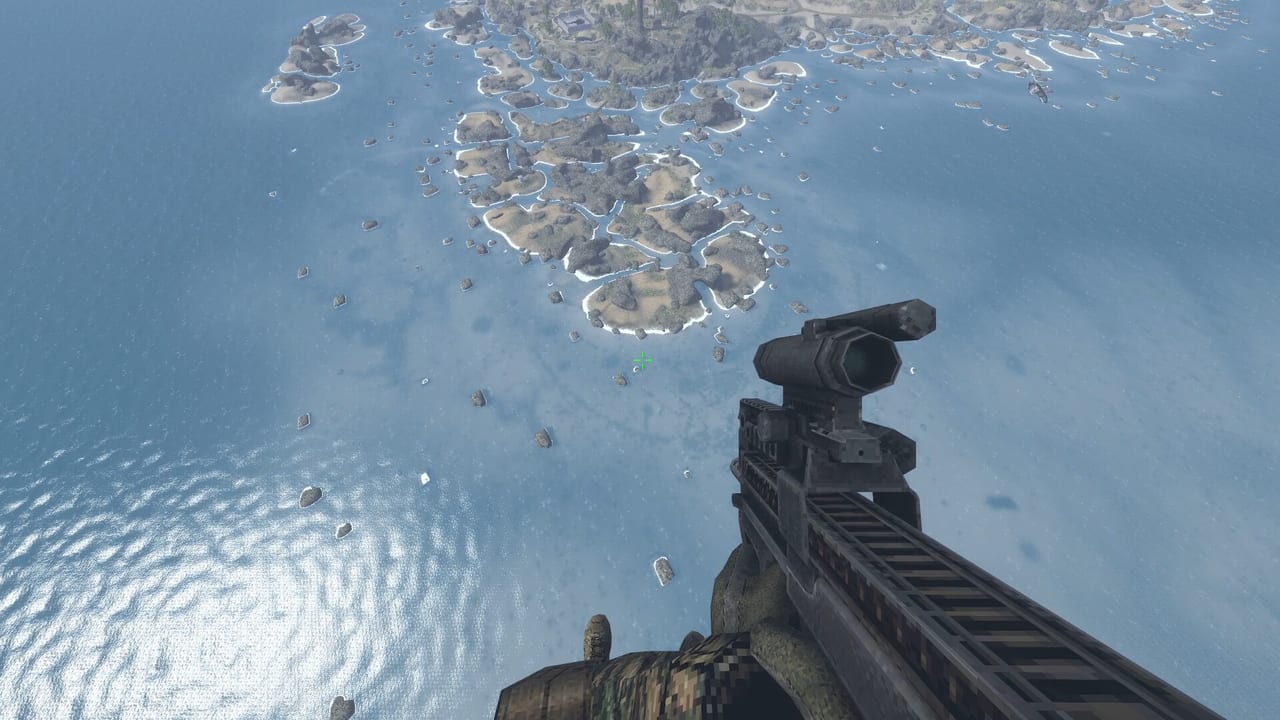
Dagger Directive is a Windows Steam release. Version 1.0 did not add a console SKU in the materials this wiki used. The official recommended block on Steam is unusually thin — OS only — so this page treats the minimum block as the real shopping list and then adds what reviewers actually ran.
Official minimum (Steam)
- OS: Windows 10 or Windows 11, 64-bit
- CPU: AMD Ryzen 5600G (as listed)
- RAM: 8 GB
- GPU: AMD RX Vega 7 (as listed — an iGPU line)
- Storage: 20 GB
If those numbers look low for a 2026 shooter, remember the art direction. This is not a nanite showcase. It is a large map with long draw distances and a lot of AI. CPU and RAM honesty matters more than a 4K fetish.
What reviewers reported
A 2025 hands-on mentioned a Ryzen 5 3600 plus GTX 1660 running “flawlessly” with short loads. That is not a promise. It is a hint that a mid-old NVIDIA card is in the conversation. If you are under 8 GB of RAM, do not take the iGPU line as permission to try anyway.
Steam Deck and controllers
1.0 press listed Steam Deck compatibility and full controller support. Controls explains the grey locked binds and why a keyboard is still the fallback. Deck players should:
- Reset binds once after the 1.0 download.
- Put walk on a hold you can sustain.
- Test one Bering snow map and one Europe interior. Snow plus glass is the GPU ask; interiors are the input ask.
- Do not host Co-op on a Deck until a solo extract feels stable. Hosting plus four clients is a different machine.
Storage, installs, and Workshop
20 GB is the store number. Workshop maps and guns add more. If you subscribe like a raccoon, budget a second folder. Workshop is the subscribe flow; this page is the disk warning.
Settings that matter more than a preset name
There is no public “ultra vs low” bible worth quoting. Practical advice:
- Cap the frame rate if your laptop iGPU is the Vega-class line in the minimums.
- Keep draw distance if you play overwatch. Cutting it to “win GPU” makes Ballistics a joke.
- Fullscreen or borderless, then confirm mouse-wheel zoom still works — old patches broke that, and Patch history is why we mention it.
Can you run 1.0 tonight?
If you have Windows 10/11, 8 GB, 20 GB free, and anything at or above a 1660-class dGPU, you are in the expected band. If you only have the listed iGPU, try the store demo-of-one-mission energy on a small map before you buy for Global Ops nights. If you are on a phone or a console, this is the wrong store page.
For the buy/skip argument, read the Review. For the first-hour plan after it launches on your machine, read Getting Started. Specs only get you to the ship. The ship still wants a walk key, a save habit, and a kit that matches the clock you picked in the mission planner.
Frequently Asked Questions
Quick answers to the most common questions.
What are the Dagger Directive minimum specs?
Windows 10/11 64-bit, Ryzen 5600G as listed, 8 GB RAM, RX Vega 7 as listed, and 20 GB of storage.
Is there a Mac or Linux version?
Steam lists Windows only. 1.0 materials we used do not add Mac or Linux.
Does Version 1.0 run on Steam Deck?
Press listed Deck compatibility. Test snow maps and binds yourself; hosting co-op is a harder ask.
Why is the recommended GPU missing?
The store recommended block is OS-only. Use the minimums plus a 1660-class anecdote as a practical band.